


Remote control integrated with your entire operation
Connect to any device in your organisation from a computer, tablet or phone.
mRemote brings remote access, technical support and operational context together in one solution connected to the mShop suite. Resolve incidents without travel or switching tools.
Request a demonstration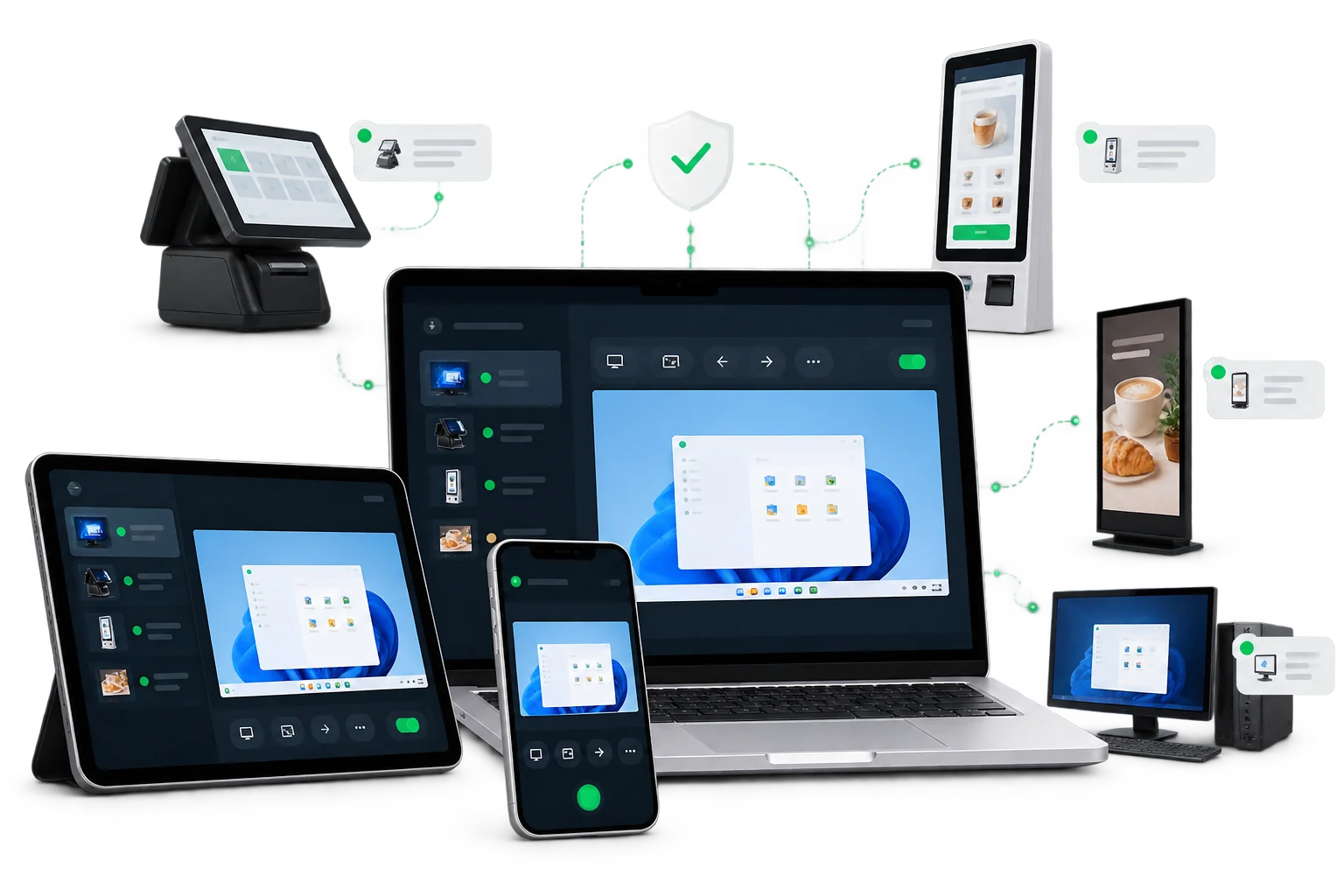
Remote support designed for your business
You do not just see a screen: you know which device it is, where it is and which mShop solution it runs.
From any device
Start a session from a computer, tablet or phone and stay responsive wherever you are.
Integrated with the suite
Open the device from its mShop context without moving between inventories, applications and support tools.
Faster resolution
Diagnose, guide the user or take control to resolve an incident as it happens.
Less travel
Reduce site visits, downtime and support costs across distributed networks.
From device to resolution in a few steps
A direct workflow that lets support act quickly while retaining control of every intervention.
1. Select the device
Locate it by site, type or application within the mShop environment.
2. Establish the connection
Request or start access according to your organisation’s permissions and policies.
3. Act and document
Control the device, resolve the incident and retain a record of the session.
Everything you need to operate remotely
A unified experience for internal support, maintenance and distributed site management.
Interactive control
View the screen and operate the remote device as if you were standing in front of it.
Multi-device access
Work from a browser, computer, tablet or phone according to the technician’s situation.
Organised devices
Quickly find each device by customer, site, area, function or status.
Permissions and protection
Define who can connect, which devices they can access and under which conditions.
Session traceability
Retain connection and intervention information to make oversight and follow-up easier.
Centralised management
Manage devices across shops, offices and service centres from a single place.
Support knows the context before connecting
mRemote links the connection to the device and the solutions involved in its operation.
mPOS terminals and workstations.
mKiosk kiosks, mBroadcast displays and self-service points.
Equipment related to mTurn and the rest of the mShop applications.
More than remote desktop
The technician starts from a known inventory and can relate the incident to the site, device and its business role.
Less time looking for information and more time resolving issues.
Resolve incidents regardless of distance
Tell us which devices you manage and how your operation is distributed.